





7 Minutes reading time
Would you like to know how you Google Translate WhatsApp can use? Our SEO agency explains. In this article, we will show you how to connect both apps and translate texts directly in your chats.
Key facts at a glance
- To use Google Translate in WhatsApp, both apps must be installed and the 'Tap to Translate' function to be activated.
- The new WhatsApp translation function enables direct translation within the app and improves communication without additional apps.
- Using Google Translate in WhatsApp offers many benefits, such as overcoming language barriers, but it also poses potential security risks.
Preparation: Install Google Translate and WhatsApp
To get the full benefit of the combination of Google translator and WhatsApp, both apps must be installed on your smartphone. Start by downloading and installing the Google Translate app and WhatsApp from the App Store or Google Play Store.
Once the apps are installed, it is important to sign in to the Google Translate app with a Google account. This will give you access to all the features of the app and ensure seamless integration.
Once both apps are installed and configured, you are ready to activate and use the 'Tap to Translate' feature. This feature greatly simplifies the translation process and makes it possible to translate texts directly within WhatsApp.
Activate Tap to Translate
The 'Tap to Translate' feature is a powerful tool that allows you to translate texts in any supported application. To enable this feature, open the Google Translate app and navigate to Settings.
In the settings you may need to Grant permissionsto allow Google Translate to appear on top of other apps. These permissions are necessary to ensure that the translation feature works properly.
After activating 'Tap to Translate', a floating Google Translate icon will appear at the top right of your screen. This icon allows you to translate texts by simply copying and pasting. Once a text is copied, the app will display the translation in a pop-up window.
This feature makes the translation process much easier as you no longer have to switch between different apps. Instead, you can stay right in WhatsApp and continue your conversations without interruption.
Using Google Translate in WhatsApp
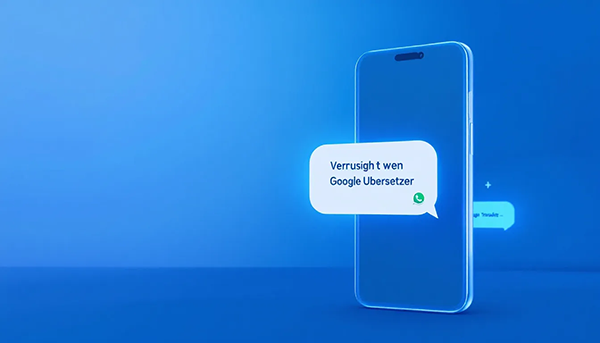
With the 'Tap to Translate' feature enabled, you can use Google Translate seamlessly in WhatsApp. Start by opening the Google Translate app and configuring the feature.
To one Translate text in WhatsApp To do this, simply copy the text you want. A pop-up window will appear and show the translation of the copied text. This makes it incredibly easy to translate messages in real time and reply instantly.
For even more accurate translation, you can adjust the language settings in the Google Translate app and set your preferred target language. This will help avoid misunderstandings and ensure clearer communication.
Using Google Translate in WhatsApp is particularly convenient because you don't have to switch between apps. A simple tap on the text field is enough to call up Google Translate within WhatsApp and translate the text.
Hide Google Translate icon
After enabling 'Tap to Translate', the floating Google Translate icon may appear on your screen. Although this icon is useful, it can be distracting at times.
Thankfully, you can customize the icon to make it less noticeable. Adjust the settings to hide the Google Translate icon or position it so that it doesn't interfere with your use of other apps. This way, you can enjoy the benefits of the translation feature without the icon getting in the way.
Gboard as an alternative for iPhone users
iPhone users may have difficulty using the Google Translate app directly in WhatsApp. Here comes Gboard comes into play as an excellent alternative. Download Gboard from the App Store and install it on your iPhone.
After installing Gboard, you need to set it as your default keyboard. This allows you to automatically translate texts into the target language without having to constantly switch between apps.
Although iPhones don't support the direct use of the Google Translate app for translations in WhatsApp, Gboard offers a convenient solution. This keyboard lets you seamlessly switch between different languages and integrate the translation feature into your chats.
New WhatsApp translation feature
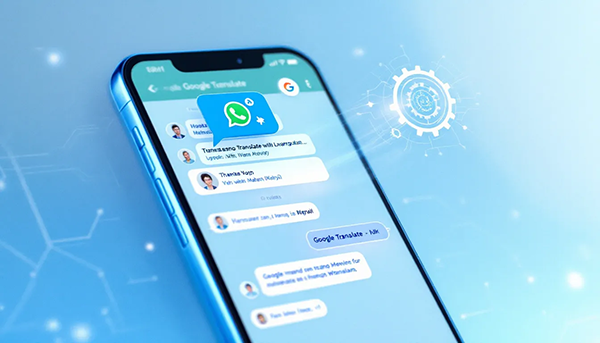
WhatsApp recently introduced a new translation feature in its beta version that significantly improves chat translation. This feature was first spotted in beta version 2.24.15.12 and is currently being tested.
The new translation feature allows users to translate texts directly in the app with just a slider. This makes the translation process even easier and faster without the need for additional apps.
To use the new translation feature, users need to download and install language packs. These packs allow translations to be performed directly on the device, ensuring end-to-end encryption and increasing the security of data.
This innovation in WhatsApp is a significant step to facilitate communication worldwide. It shows the importance of overcoming language barriers and better connecting people from different cultures and countries, including using Messenger.
Advantages and disadvantages of using Google Translate in WhatsApp
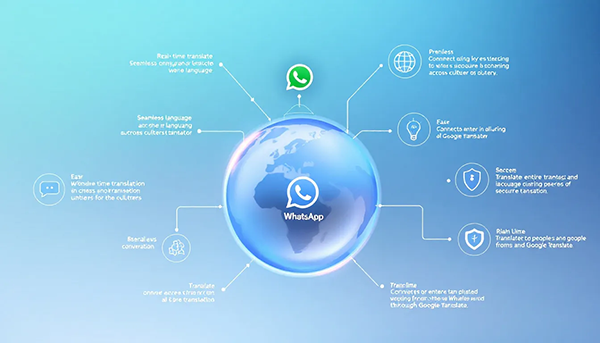
Using Google Translate in WhatsApp offers many advantages:
- It enables seamless communication and helps overcome language barriers.
- The translations are done locally on the smartphone, which means that no data is sent to external servers.
- In addition, end-to-end encryption is maintained throughout the entire translation process.
However, there are also some disadvantages to consider. Although the data is processed locally, there is always some risk that confidential information is not completely secure. In addition, the data entered into translation apps can be used to improve the software and potentially made public.
Despite these concerns, the benefits clearly outweigh the disadvantages, especially when it comes to having effective and fluent conversations with people from different linguistic backgrounds.
Tips for effective use
To get the most out of the Google Translate integration in WhatsApp, there are some useful tips. Download language packs in Google Translate to enable offline use. This is especially handy when you don't have an internet connection but still need translations.
Use simple sentences to avoid misunderstandings. Complex wording can affect the accuracy of translations. Highlight and translate text directly in the chat to make communication quick and easy.
Use voice input to dictate messages, especially when typing is inconvenient. Adding different keyboards for different languages can also make switching between languages easier and make your chats even more fluid.
Summary: Key takeaways about intuitive eating
In conclusion, the integration of Google Translate into WhatsApp offers a revolutionary way to overcome language barriers and enable seamless communication. From installing and enabling the 'Tap to Translate' feature to new translation features in WhatsApp itself, there are many ways you can make the most of these tools.
Use the tips and tricks to improve your communication skills and enjoy the freedom to talk to people from all over the world with ease. Technology is at your fingertips - make the most of it and bring the world a little closer together.
Frequently Asked Questions
How do I activate the 'Tap to Translate' function in Google Translate?
To enable the 'Tap to Translate' feature in the Google Translate app, open the app, go to Settings, and activate the corresponding option. Make sure you grant the necessary permissions.
Can I use Google Translate directly in WhatsApp?
Yes, you can use Google Translate directly in WhatsApp by using the 'Tap to Translate' feature to quickly copy and translate texts.
Is there an alternative for iPhone users?
Yes, iPhone users can install Gboard and use it as their default keyboard to automatically translate texts.
What is the new translation feature in WhatsApp?
The new translation feature in WhatsApp allows users to translate texts directly in the app using a slider. This feature greatly improves communication and exchange between different languages.
Is my data safe when using Google Translate?
Your data is relatively safe when using Google Translate because the translations are done locally on your smartphone and are protected by end-to-end encryption. However, there is always a certain risk regarding data security.